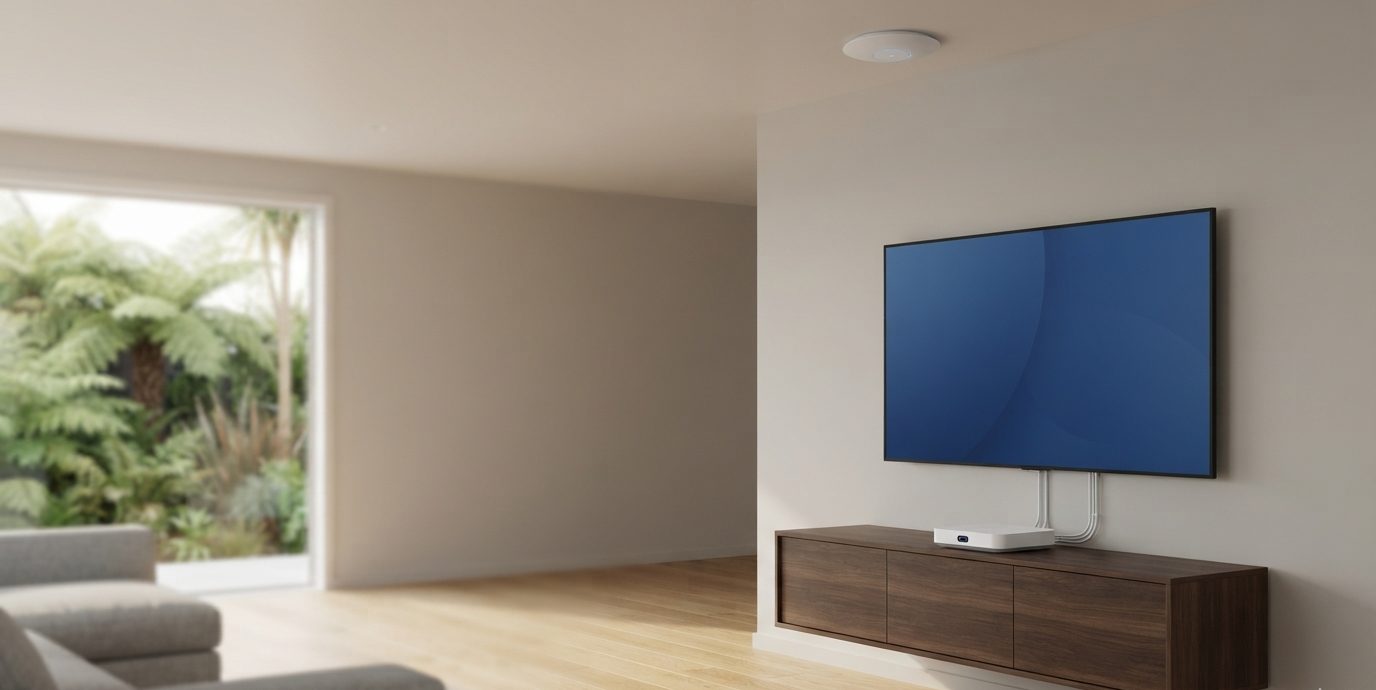
Starlink or fibre at the house, a long-range link to the shed, cameras on the yard and gate, and WiFi in the workshop.
Home
Even WiFi in every room, cameras at the doors, a separate network for smart devices and guests, all in one app.
Office or shop
Staff and guest networks kept apart, payment devices isolated, cameras and door access on the same system.
Motel
Guest WiFi that holds up with every room in use, a separate network for staff and systems, and cameras and door access managed centrally.
Installs are quoted as one fixed price in writing after a free walkthrough. Anything outside the agreed scope is quoted before we do it. See pricing. Mains electrical work is done by a registered electrician.
01
Networking and WiFi
A network designed around your property, not a box off the shelf, with WiFi that reaches every room, shed and yard.
Gateways and routing
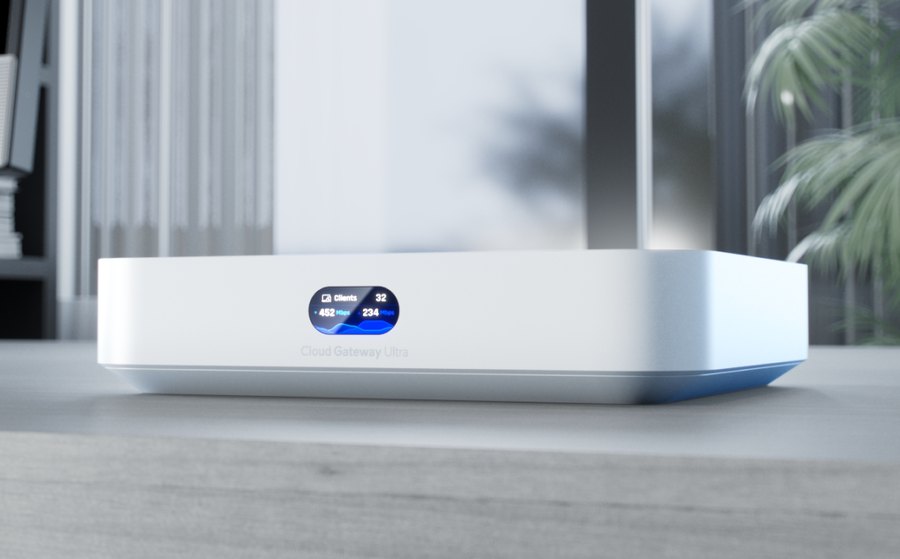
A UniFi gateway at the centre gives you real control: firewall rules, VPN access and traffic you can actually see.
WiFi that covers
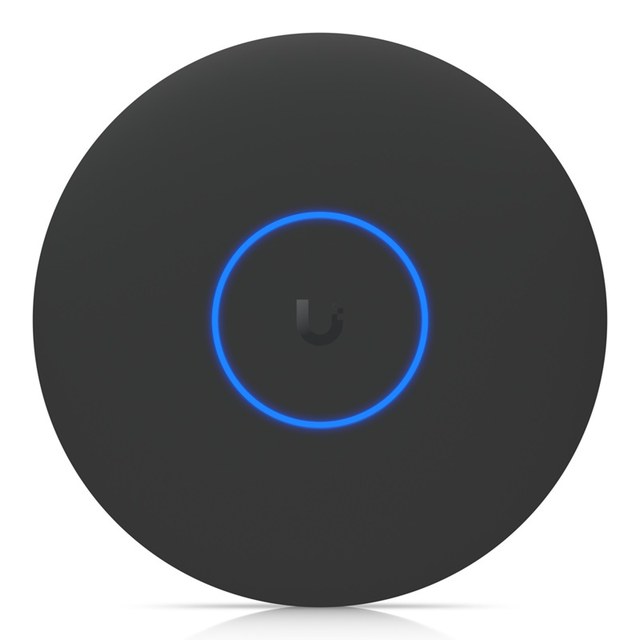
Access points placed to suit your property, so coverage is solid in every room, shed and yard.
Separate networks
Staff, guests, cameras and smart devices each sit on their own network, so one problem cannot spread.
And 3 more
Wired backbone
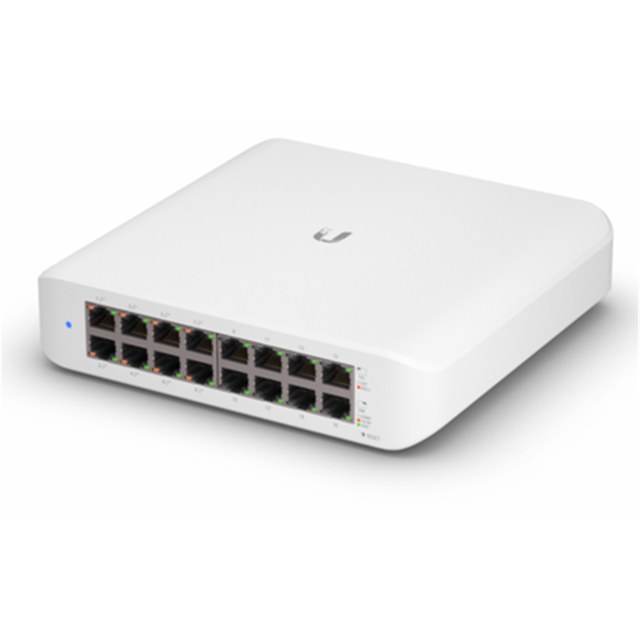
PoE switches and tidy cabling power access points and cameras from a single cable.
Long-range links
Point-to-point wireless to reach workshops, sheds and outbuildings without trenching cable.
Backup connection
A 4G or second-line failover keeps you online when the main connection drops.
02
Security
Your network defended and your property watched, with footage kept on equipment you own.
Cameras
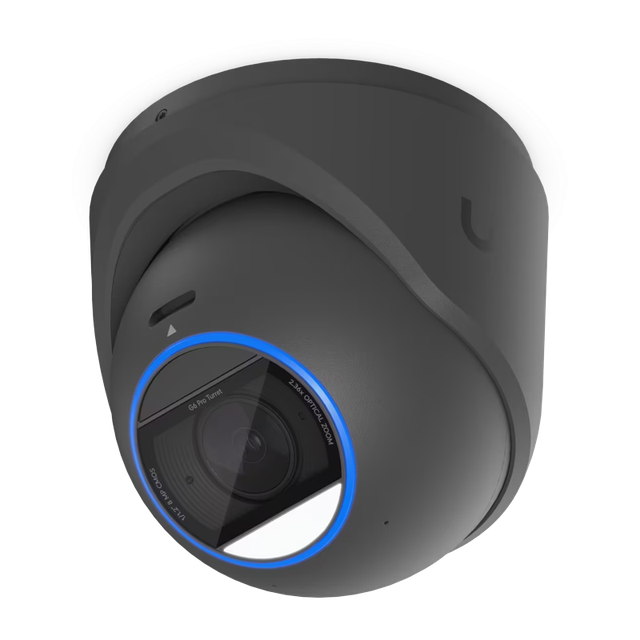
Indoor and outdoor UniFi Protect cameras, watched live from your phone.
Your footage, your storage
Recordings stay on equipment you own, on your property, not in someone else's cloud.
Network security
Firewall, intrusion detection and prevention and content filtering set up properly, not left on defaults.
And 3 more
Smart alerts
Notifications for people and vehicles on supported cameras, so you hear about what matters.
Secure remote access
VPN to reach your network safely from anywhere, with no ports left open to the internet.
Hardened and handed over
Admin accounts locked down with two-factor authentication, firmware current, and a clear handover.
03
Access
Doors that open for the right people, with a record of who came and went.
Door readers
Open doors with a phone, card, fob or PIN, on the same system as your network.
Intercom and video entry
See and speak to visitors at the gate or front door from your phone.
Schedules and permissions
Set who can go where, and when. Remove someone's access instantly when they leave.
And 3 more
Locks and hubs
Works with electric strikes and magnetic locks, with a hub controlling each door.
Entry logs
A record of every entry, kept alongside your camera footage.
Visitor and contractor access
Temporary access that expires on its own, with no keys to chase up.
04
Integrations
Connecting the systems you already have, so they work together instead of side by side.
Smart home and automation
Lighting, heating, speakers and sensors on a separate, secure network so they work reliably.
Business systems
Printers, phones, payment terminals and storage placed on the right network for the right people.
One dashboard
Everything shows up in one place, so adding a camera or door later is a few taps, not a rebuild.
And 3 more
Alarms and gates
Linking existing alarm, gate and intercom equipment into your network where it allows.
Site-to-site links
Connect a house to a shed, a farm to a packhouse, or one business site to another.
Room to grow
Built so you can add services at a later date without replacing what is already installed.
How we design
Planned on screen, before it is installed
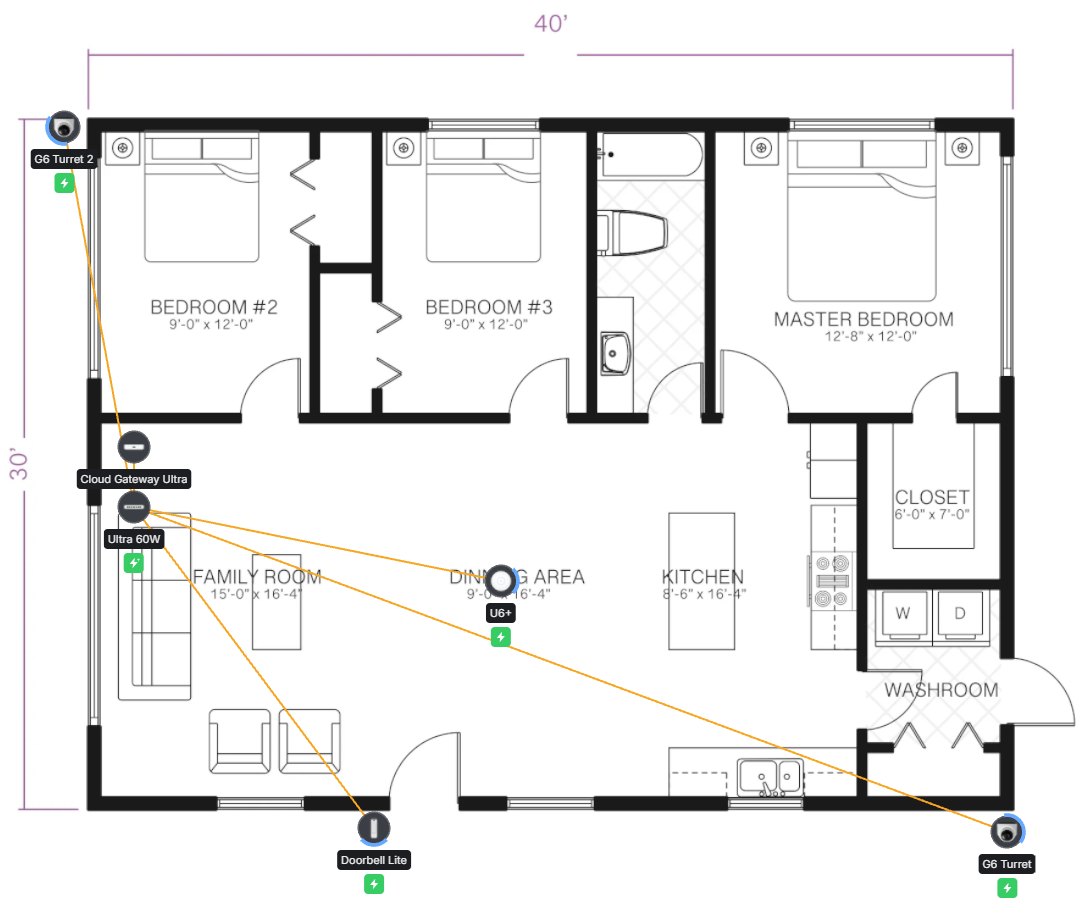
Every network starts as a plan. We use UniFi Design Center to map your property, place each device and show you how the WiFi will cover it, before anything is bought or mounted.
1
Walkthrough
We visit, measure up and note what you need, including where the signal has to reach and what needs to stay secure.
2
Floor plan
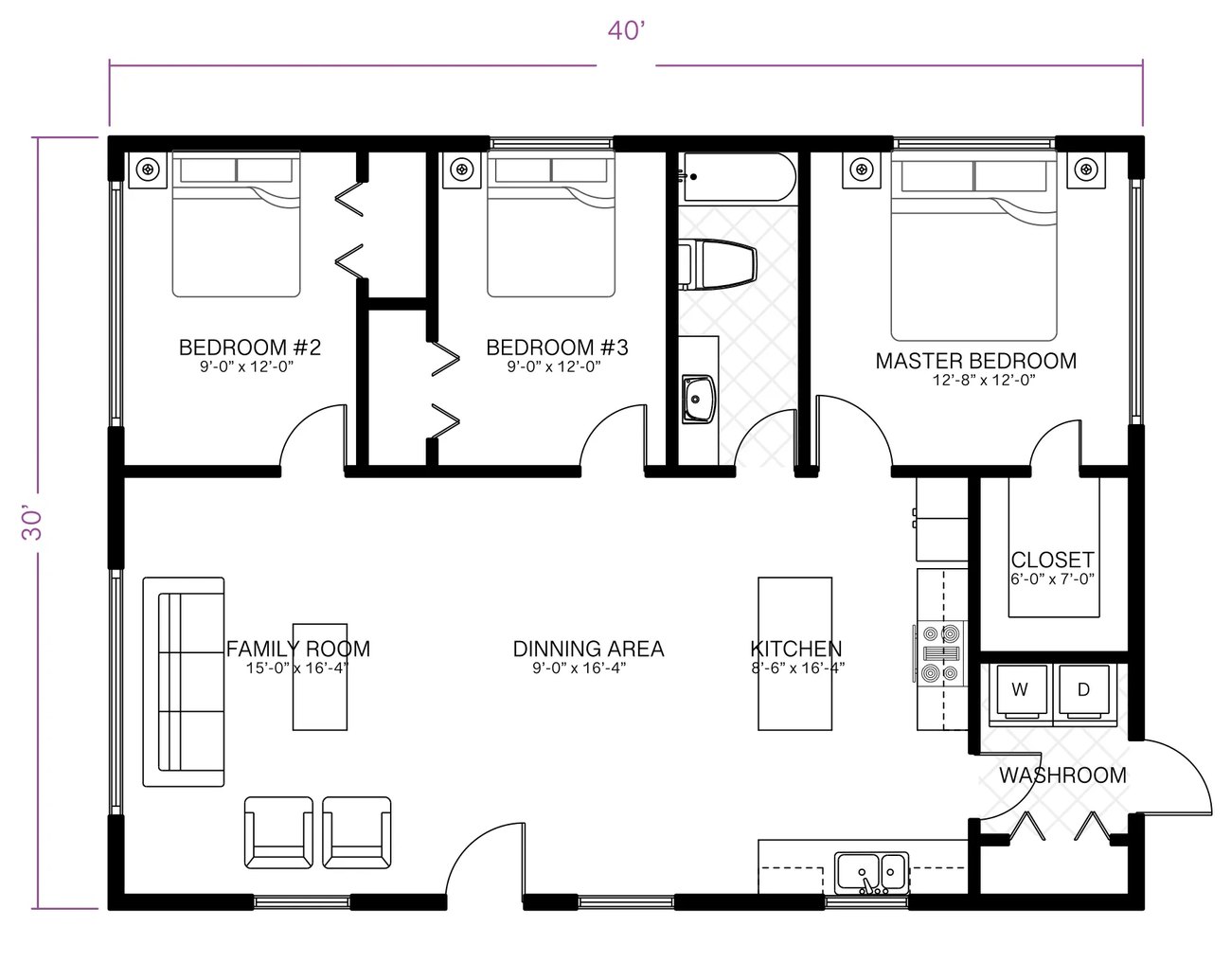
Your plan or a sketch goes into UniFi Design Center. We mark out the walls, the zones and how many devices you expect to connect.
3
Coverage and placement
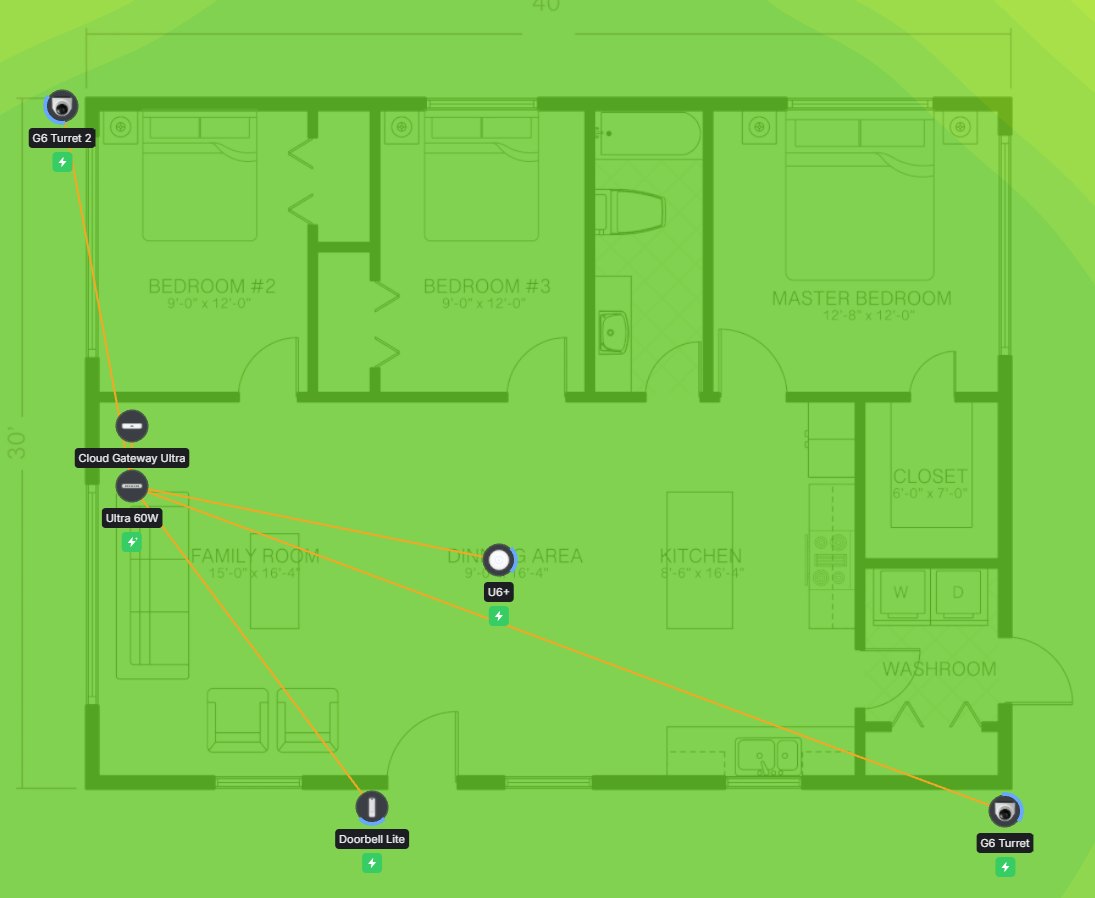
The tool simulates WiFi floor by floor and suggests where access points should go. We refine it using what we saw on site.
4
Review and build
You see the design before any work starts. We install to the plan, and the design can be prepared in your UniFi system ahead of time.
Devices placed on the planA sample design with a gateway, switch, access point, two cameras and a video doorbell.The floor planWhere every design starts.Coverage viewChecking the signal reaches every room.
A coverage map is a prediction, not a guarantee. We check the real signal on site once the equipment is in and adjust where needed.
The gear
One system, eight jobs
Everything we install is UniFi, managed from a single app on your phone. Here is what each piece does, in plain English, and where it goes on your property.
It connects you to the internet, runs the firewall, keeps guest and smart-home devices separate, and hosts the app you manage everything from.
More detail +
Some models add built-in WiFi or storage, a compact gateway suits fast fibre connections, and the Dream Router 5G Max has 5G built in for properties with weak broadband.
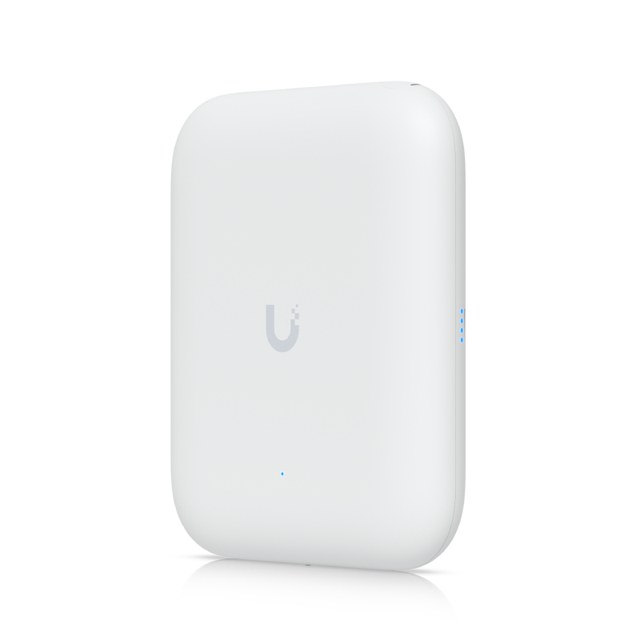
WiFi
WiFi 7 · ceiling, wall, in-wall, outdoor, mesh
Even WiFi everywhere.
Several access points placed around the property cover it far better than one router in a corner, with no dead spots when you move between rooms.
More detail +
The current WiFi 7 range comes in ceiling, wall and in-wall designs, plus weatherproof outdoor models to reach sheds, workshops and the far end of the section.
Switches
Lite · Flex · Pro, with PoE
One cable does two jobs.
Power over Ethernet feeds power and data to access points and cameras through a single cable, so there is no need for a power point at every device.
More detail +
Small switches for a home or office, weatherproof ones for outbuildings, and larger models when you grow.
Cameras
UniFi Protect · bullet, dome, turret, 360°, PTZ
Footage stays on your property.
Cameras record to storage you own and can be watched live from your phone, with alerts for people and vehicles on supported models.
More detail +
Different shapes for different spots, including a WiFi camera for places where running a cable is hard.
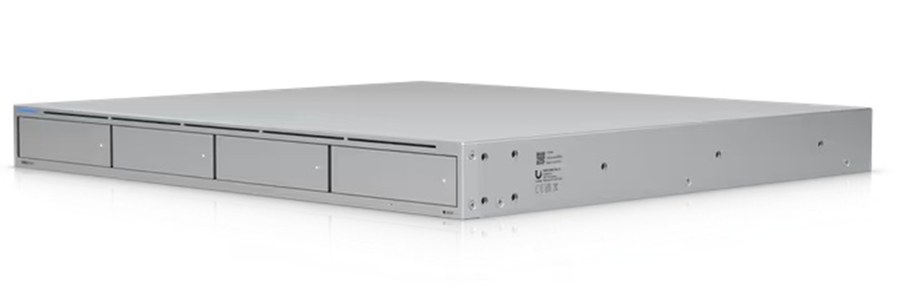
Recorders and storage
Protect recorder · external storage
Somewhere safe to keep it.
Footage is saved on your own equipment, either in a gateway with built-in storage or on a dedicated recorder with hard drives for larger setups.
More detail +
You choose how many days to keep, and nothing depends on someone else's cloud.
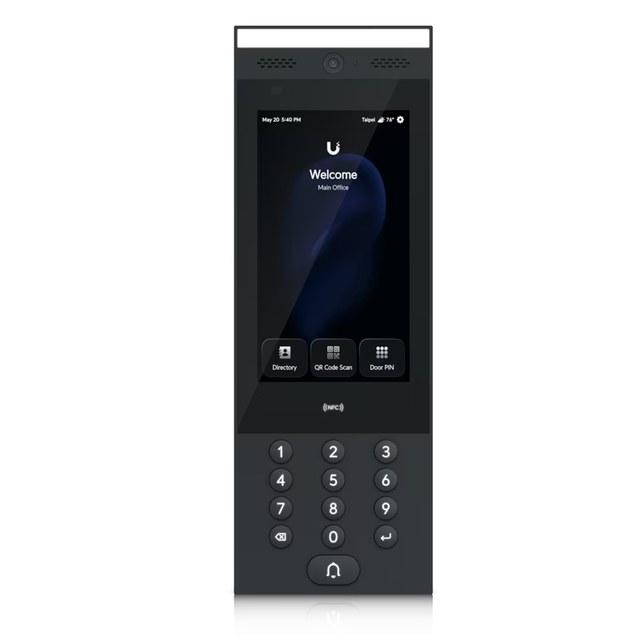
Door access
Door hubs · readers · Touch Pass
Doors on the same system.
A hub at each door connects the reader and lock. Open with a card, fob, PIN, or a phone or watch using Apple or Google Wallet.
More detail +
Works with electric strikes and magnetic locks, and every entry is logged next to your camera footage.
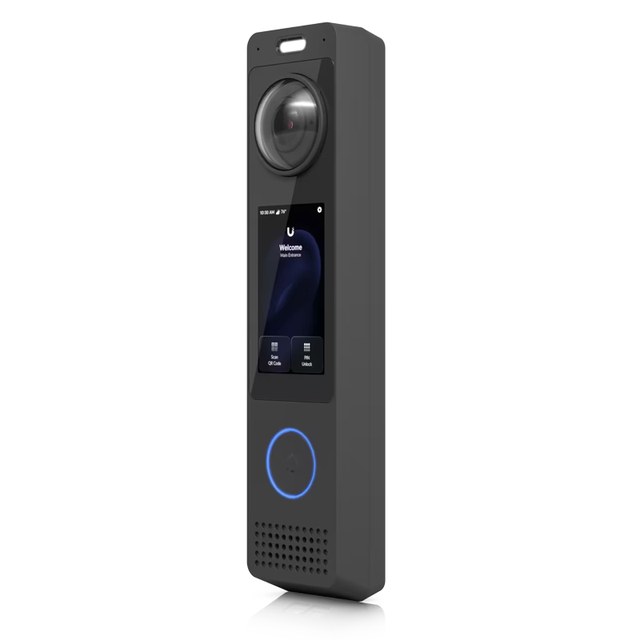
Intercom
Video entry
See who is at the gate.
A video intercom lets you see and speak to visitors from your phone, and let them in without leaving the house or shed.
More detail +
Calls can ring more than one person, so deliveries and visitors are not missed.
Links and failover
Point-to-point bridges · Starlink · 4G and 5G
Reach the shed. Stay online.
Wireless bridges join buildings that cables cannot easily reach, and Starlink or a mobile data backup keeps you connected when the main connection drops.
More detail +
Handy for farms, orchards, workshops and anywhere trenching cable is not worth it. We also install Starlink where fixed broadband is slow or missing.
Included with the system
Built in, not bolted on
The security features that other systems sell as extras come as part of UniFi, and we set them up properly. Which features are available depends on the gateway fitted.
Threat detection
Intrusion detection and prevention watches traffic for known threats and blocks them.
Secure remote access
WireGuard and OpenVPN let you reach your network from anywhere, with no ports left open.
Site-to-site links
Join a house to a shed, or one site to another, over an encrypted connection.
Internet failover
A second connection takes over automatically when the first one drops.
Guest WiFi zone
Visitors get internet access, kept away from your cameras, staff systems and payment devices.
Phone unlock and WiFi
The Identity app opens doors and connects you to WiFi and VPN in one tap.
Why UniFi
Built to grow with your property
One app and one login for WiFi, cameras and door access
Business-grade features, such as separate networks and a proper firewall, at home-friendly prices
Start small and add access points, cameras or a second site later without starting again
We set up the app on your phone and walk you through it before we leave.
We check the real signal on site once everything is in and adjust where needed.
You get a simple record of what was installed and where.
Our installation workmanship is warranted for 12 months from completion.
We are available for questions after handover, and managed services keeps everything updated and monitored if you want ongoing care.
Good to know
UniFi questions
Do the cameras need a subscription?
No. UniFi Protect records to equipment you own on your property, with no monthly licence fee for local recording. Remote viewing from your phone works through your UniFi account.
Can you use the equipment I already have?
Often, yes. At the walkthrough we check what you have and keep whatever still does the job, such as cabling, and replace only what is holding the network back.
Do I need fibre, or does this work with Starlink?
It works with any connection: fibre, VDSL, Starlink, 4G or 5G. A second connection can be added as a backup so you stay online if the main one drops.
Why UniFi instead of the router from my internet provider?
A provider router is one box in a corner. UniFi gives you several access points for even coverage, separate networks, a proper firewall and cameras and door access on the same system, all managed from one app.
Who does the electrical work?
Most devices run on a single network cable using PoE, so little mains work is needed. Any mains electrical work is done by a registered electrician.
What happens if something fails?
Our installation workmanship is warranted for 12 months from completion, and UniFi equipment carries the manufacturer's warranty, which we help you claim. Tech support is charged by the hour, or covered by a managed services plan if you want ongoing care.
Explore UniFi
See the full UniFi range
Everything we install comes from the UniFi range. Browse all the UniFi solutions on the official UniFi website, then tell us what catches your eye and we will say what suits your property.
UniFi and Ubiquiti are trademarks of Ubiquiti Inc. Trident Tech is an independent installer.